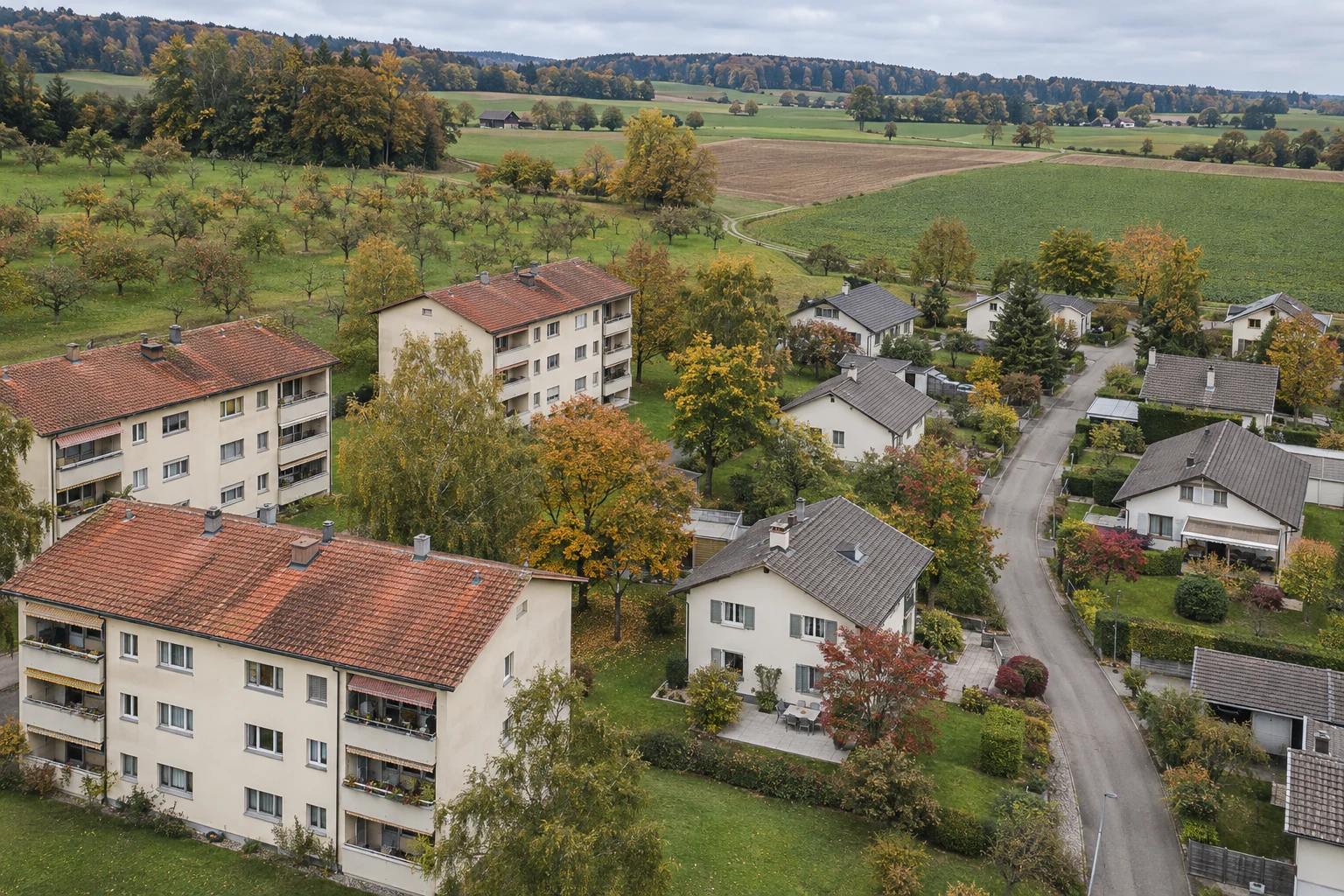
Switzerland. Image comparison to prepare for a viewing. Historical coverage varies by location and year.
Compare two neighbourhood views
- 01
Frame
Use the same address and map area.
- 02
Date
Note both years displayed.
- 03
Check
Prepare a question for the viewing.
Compare the same area
Find the address in the federal map viewer and activate the SWISSIMAGE Journey through time layer. Open the time slider using the clock icon. Choose an older and a newer view while keeping the same area in frame. Use a fixed landmark, such as a junction or a recognisable building. Note the dates or years displayed. Available imagery varies by place and year.
Separate observations from assumptions
A path that is clear in one image and hard to make out in another is a useful prompt for a question. Shadows, vegetation or a different level of detail may explain an apparent change. When a feature is unclear, flag it for checking in your notes. Save the location and the two reference views so you can return to the comparison later.
Turn observations into questions
During the viewing, look at access routes, how buildings relate to one another and the open spaces around the home. Ask, for example, whether the path you spotted is usable today. For future developments or the terms of access to a passage, consult the relevant documents or authority. The images are most useful for planning those checks and getting to know the neighbourhood.
Editorial checklist prepared with AI assistance. General guidance; technical, legal and financial points need individual verification.
FAQ
Which documents should I request before buying?
Gather plans and information on costs and works. Ask your notary and lender which property-specific records they need. For shared ownership, include building management records and planned work.
Your question, our next article?
Ask about this topic. Selected questions may become articles or FAQ updates without publishing your email. Avoid confidential information.